Upgrading NetBox Cloud
To safely and easily upgrade your NetBox Cloud instance without worrying about any plugin compatibility issues, follow the steps outlined below:
-
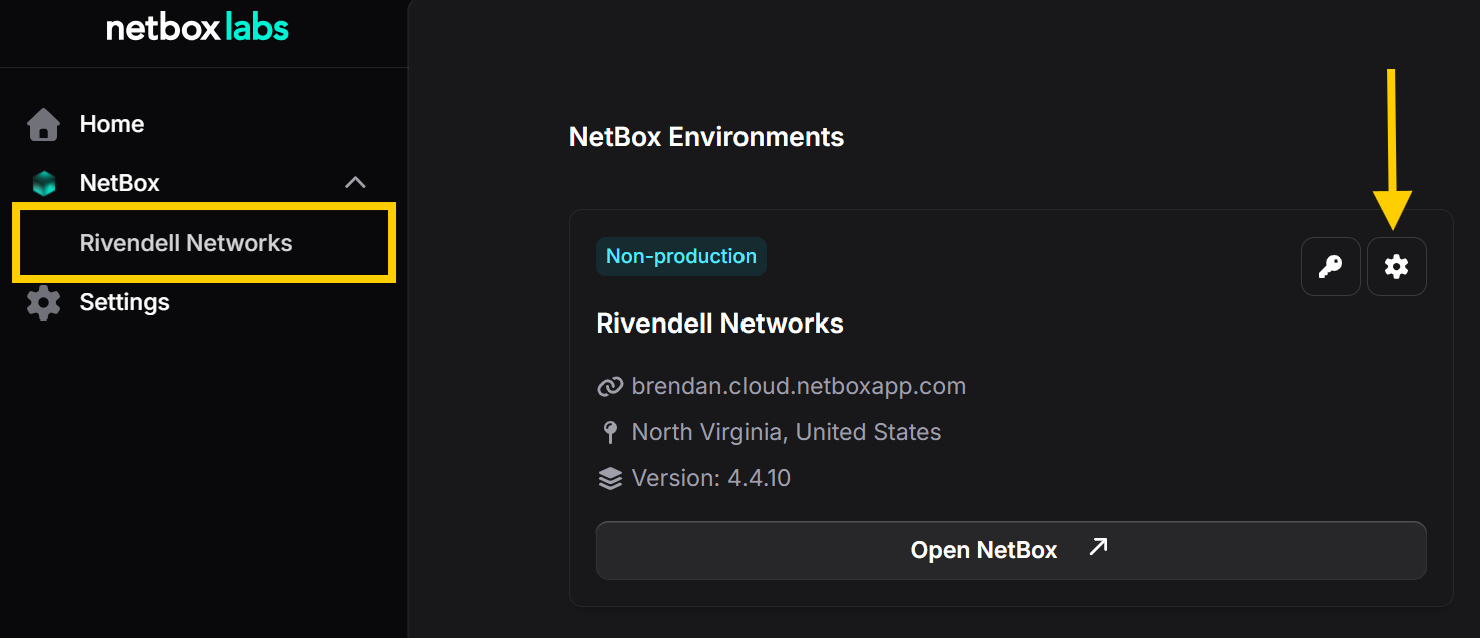
In the NetBox Labs Console, click on the Settings icon in the top right corner of the instance you wish to upgrade.
-
Navigate to the Upgrade tab to view a list of potential and recommended versions as available upgrade options. Use the three dots menu next to disired upgrade and select Upgrade
You will see the version number, the status, whether installed plugins are compatible with the target NetBox version, and a link to the release notes for that version.
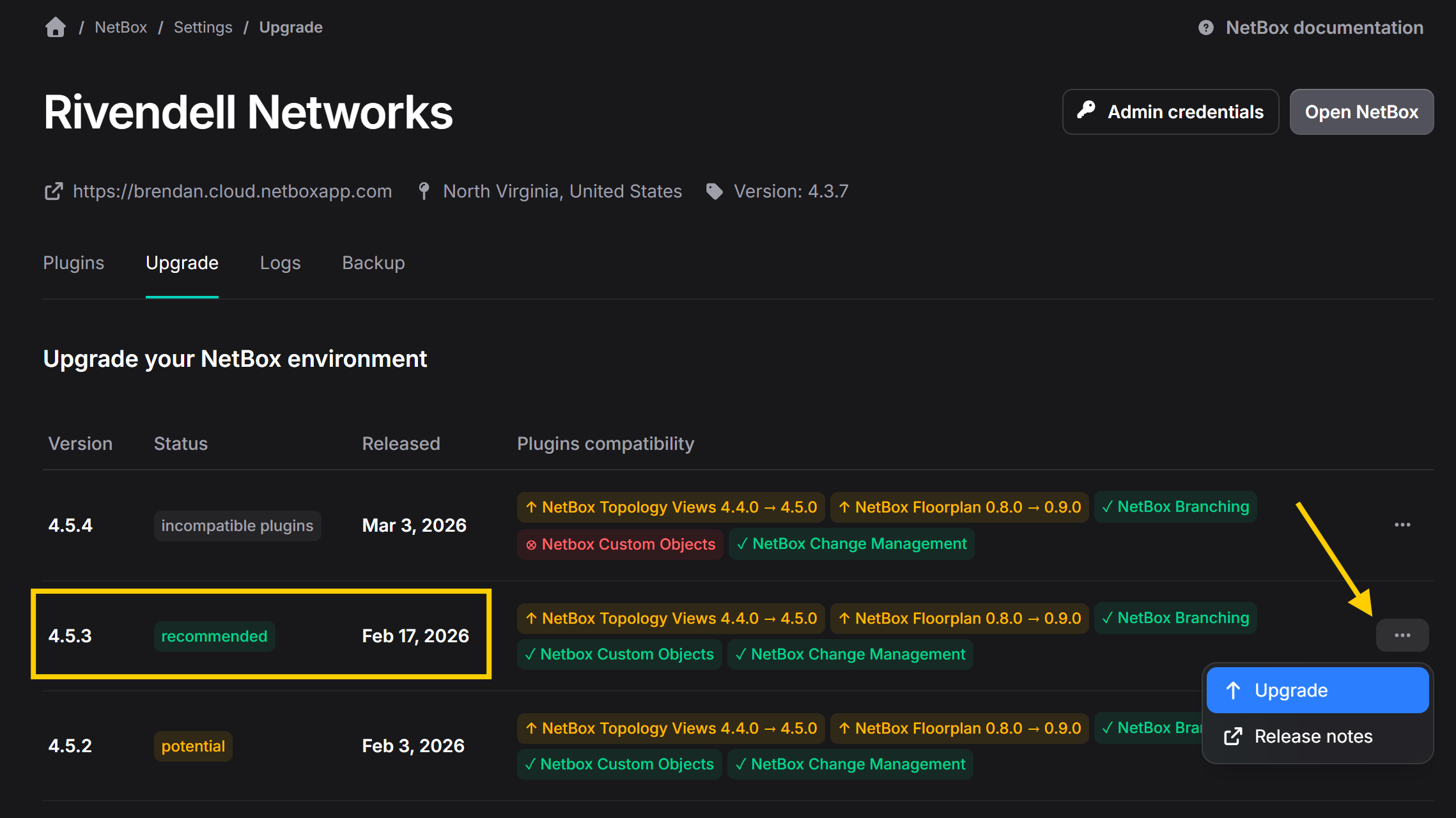
Note that we could upgrade to any of the other potential options, but the recommendation is to upgrade to version 4.5.3. If you select this option, all plugins will be automatically upgraded to compatible versions as part of the upgrade process.
Note too that if a plugin is not compatible with a certain NetBox version, you will notice this displayed:

In this case, you would not be able to upgrade to that version. This typically means the plugin developer has not yet released a version compatible with that NetBox version.
-
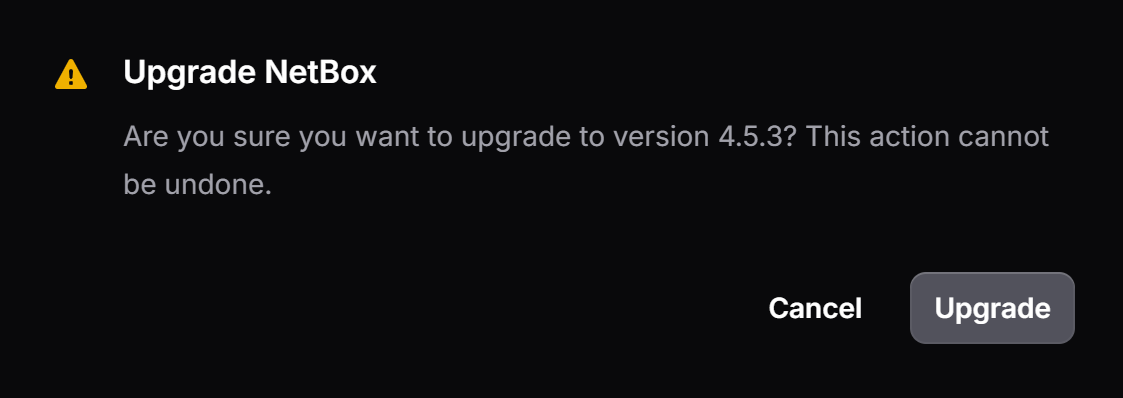
Confirm your decision by selecting Upgrade.
-
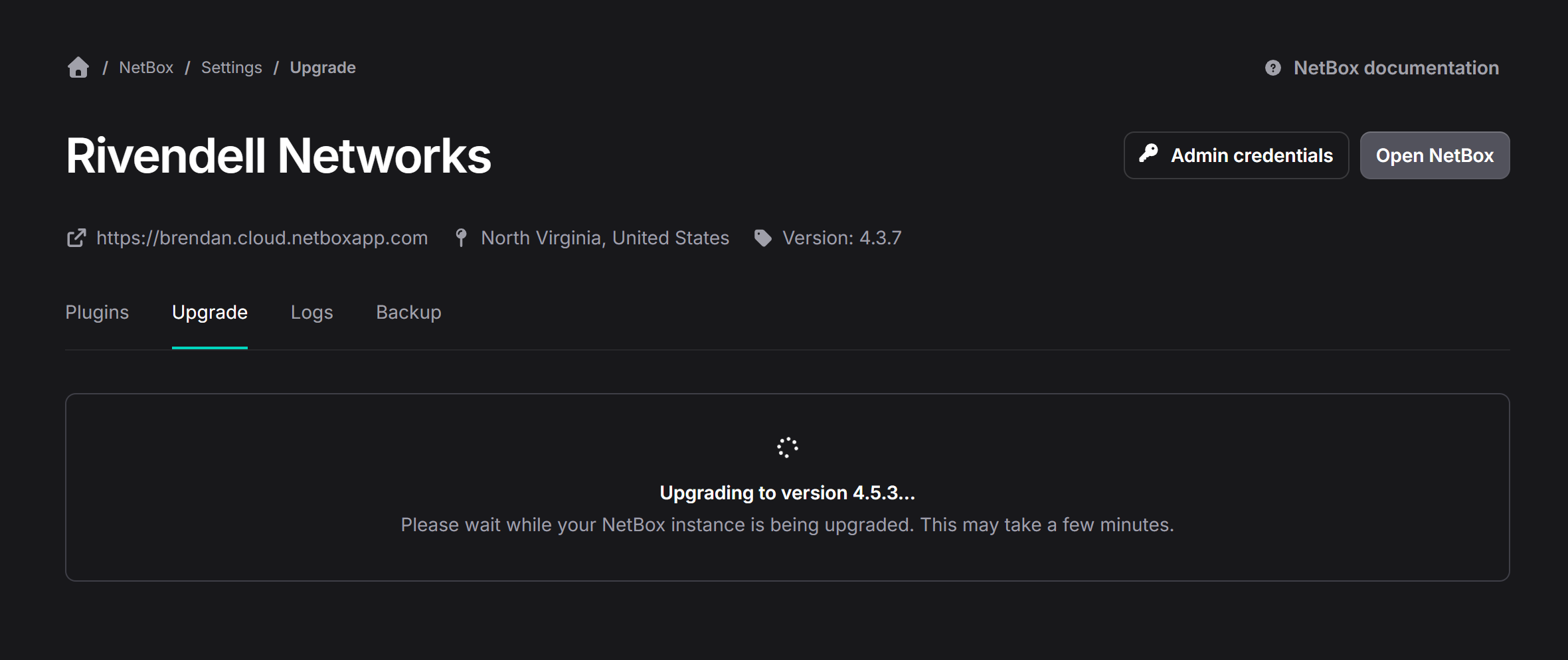
You will then see the upgrade in progress.
-
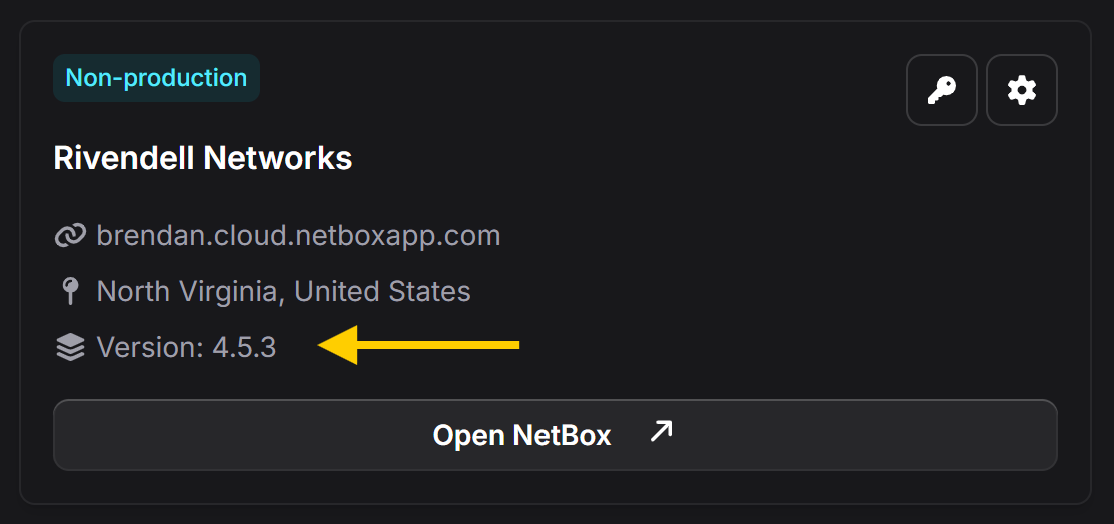
Upon successful completion your NetBox instance will reflect the latest software version as shown below.
If you encounter any issues during the upgrade or have any questions, please raise a support ticket by emailing the NetBox Labs Support Team.